
Pretoria • Centurion • Homes • Estates • Businesses
Ajax Sensors & Devices
A clear, real-world guide to the Ajax ecosystem. Not a catalog — a decision page. We design systems for Gauteng realities: outdoor detection first, then perimeter points, then indoor confirmation and control devices that make daily use effortless.
Want a fast quote? Include your suburb, property type, and how many external doors you have.
How an Ajax system is built
Ajax is modular. You start with a hub (the brain), then add protection layers. Our usual design order is: Outdoor detection → Perimeter sensors → Indoor confirmation → Control & automation.
Core (Hub)
Connects all devices, manages arming modes, and pushes alerts to your phone.
Detection
Outdoor and indoor sensors that detect movement or opening events.
Control
Keypads, remotes, and automation that make the system feel premium day-to-day.
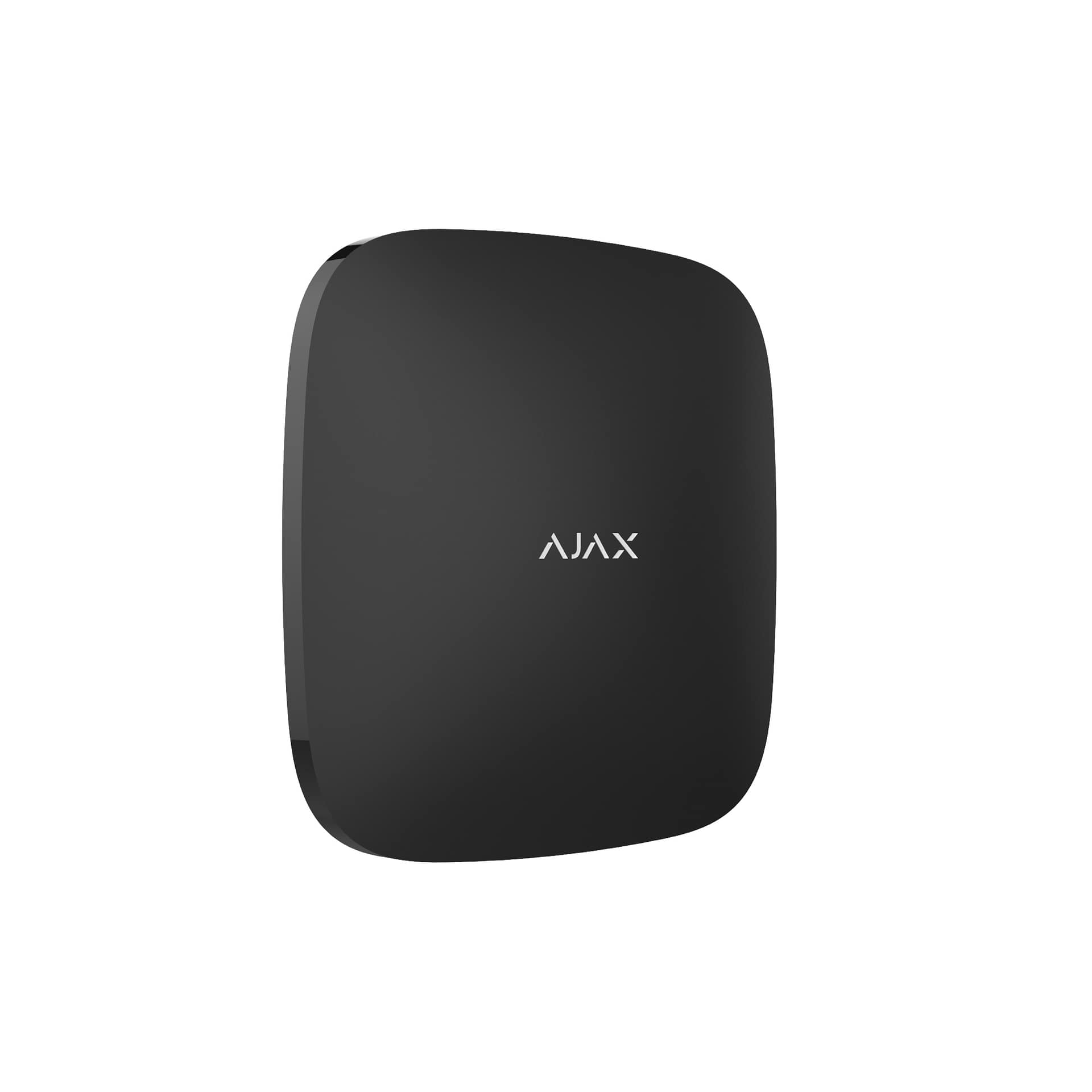
The Hub (the brain of the system)
The hub connects and manages your Ajax devices, arming modes, and notifications. A clean hub setup is what keeps the system stable, easy to use, and supportable long-term.
- Named zones and arming modes (Night / Away)
- Admin control and user access setup
- Structured configuration so expansions stay clean
The Ajax App (where the premium experience lives)
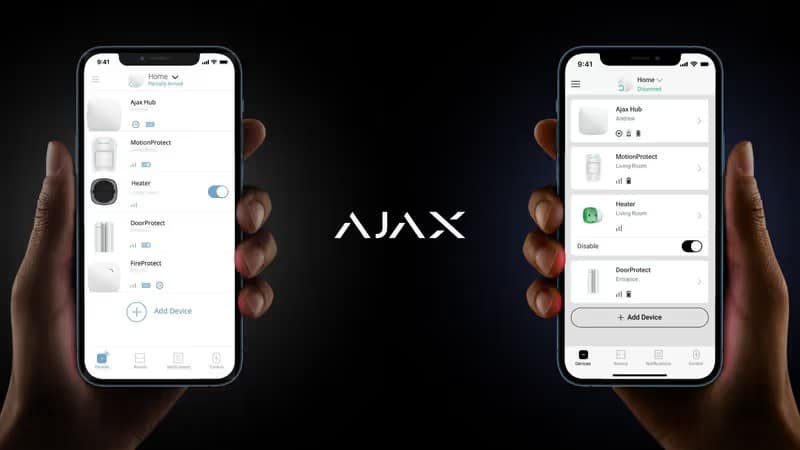
Ajax is not just sensors — it’s the control layer. The app gives you instant alerts, clear zone status, user management, and control that doesn’t feel like an old alarm panel from 2006.
What the app gives you
- Instant notifications with clear device/zone naming
- Arm/disarm and Night mode control
- User access management (family, staff, business managers)
- Event history (what happened, when, and where)
- Automation scenarios (lights, gate triggers, schedules)
This is the part clients love because it makes the system feel modern and effortless.
App visuals
A quick look at the interface and system status screens — this is where the “premium feel” shows.
Outdoor detection (primary focus in Gauteng)
Outdoor detection is where security wins are made: you want alerts before entry. Outdoor sensors are usually supplied in white — that’s normal and intentional for environmental performance.
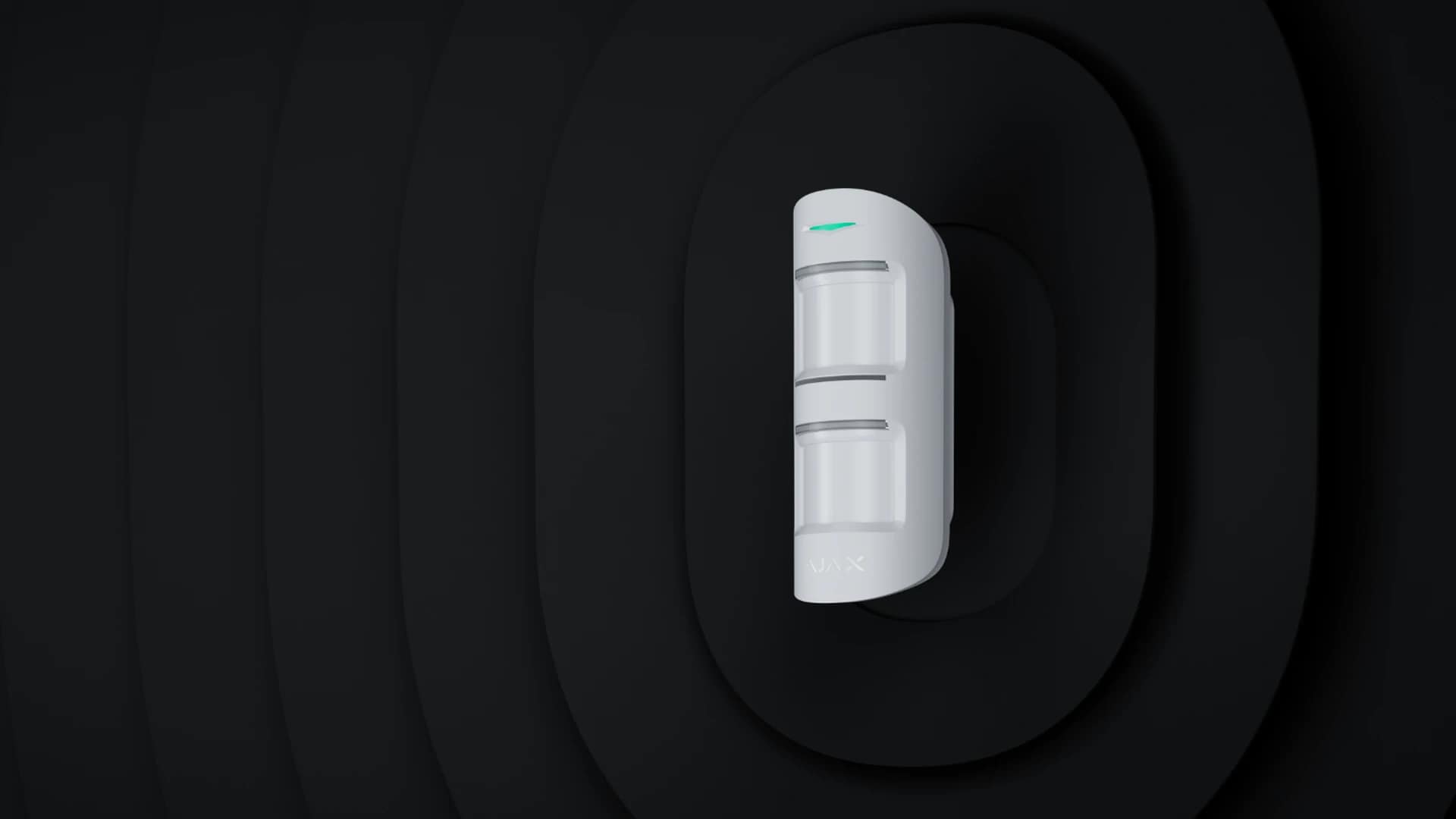
MotionProtect Outdoor
Best for open yard coverage and general approach detection around the home.
Use case: yards, open areas, wider approach routes.
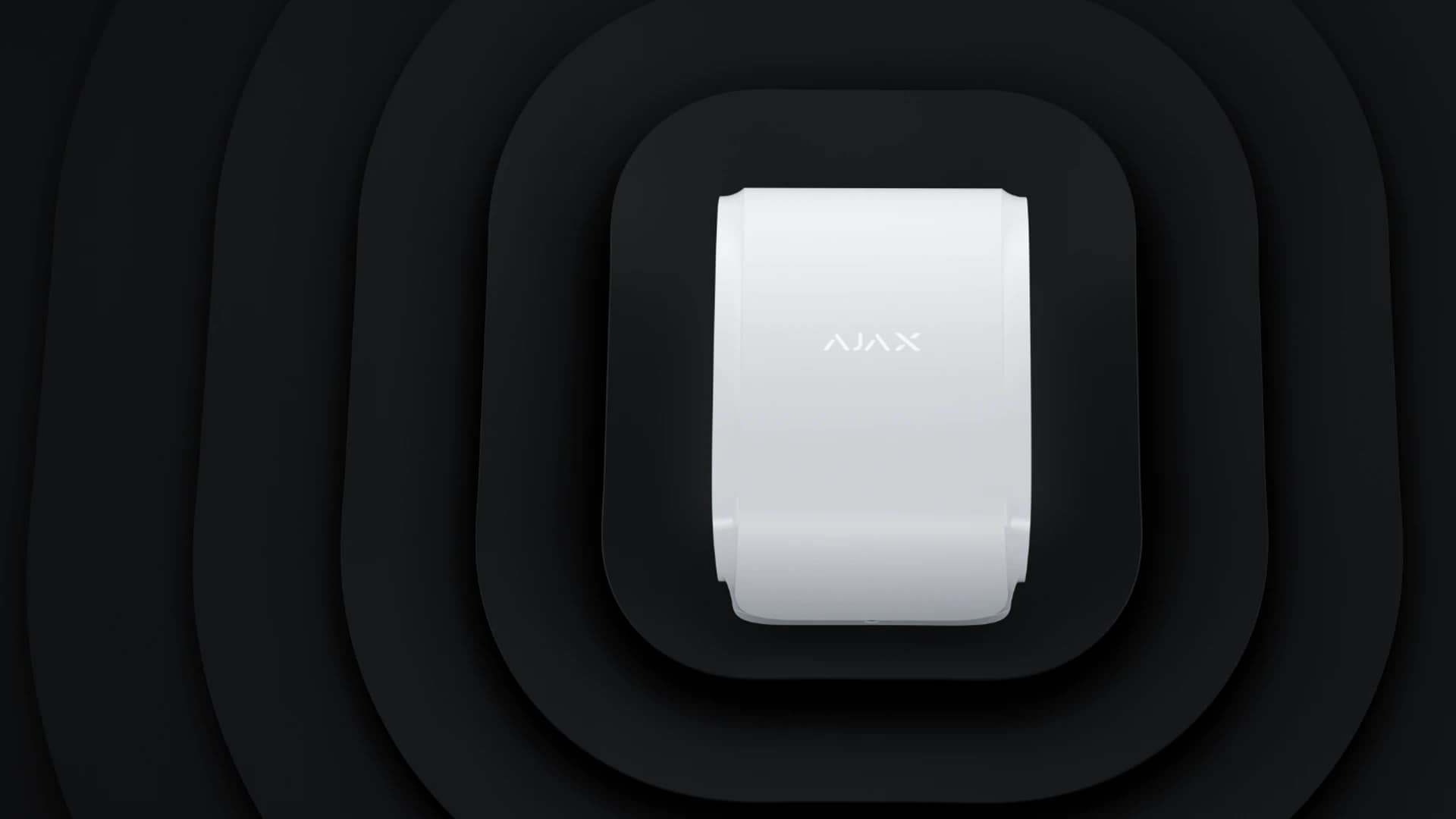
DualCurtain / Curtain sensors
Designed for narrow “curtain” detection — perfect for side passages and along walls.
Use case: side passages, wall lines, tight approach zones.
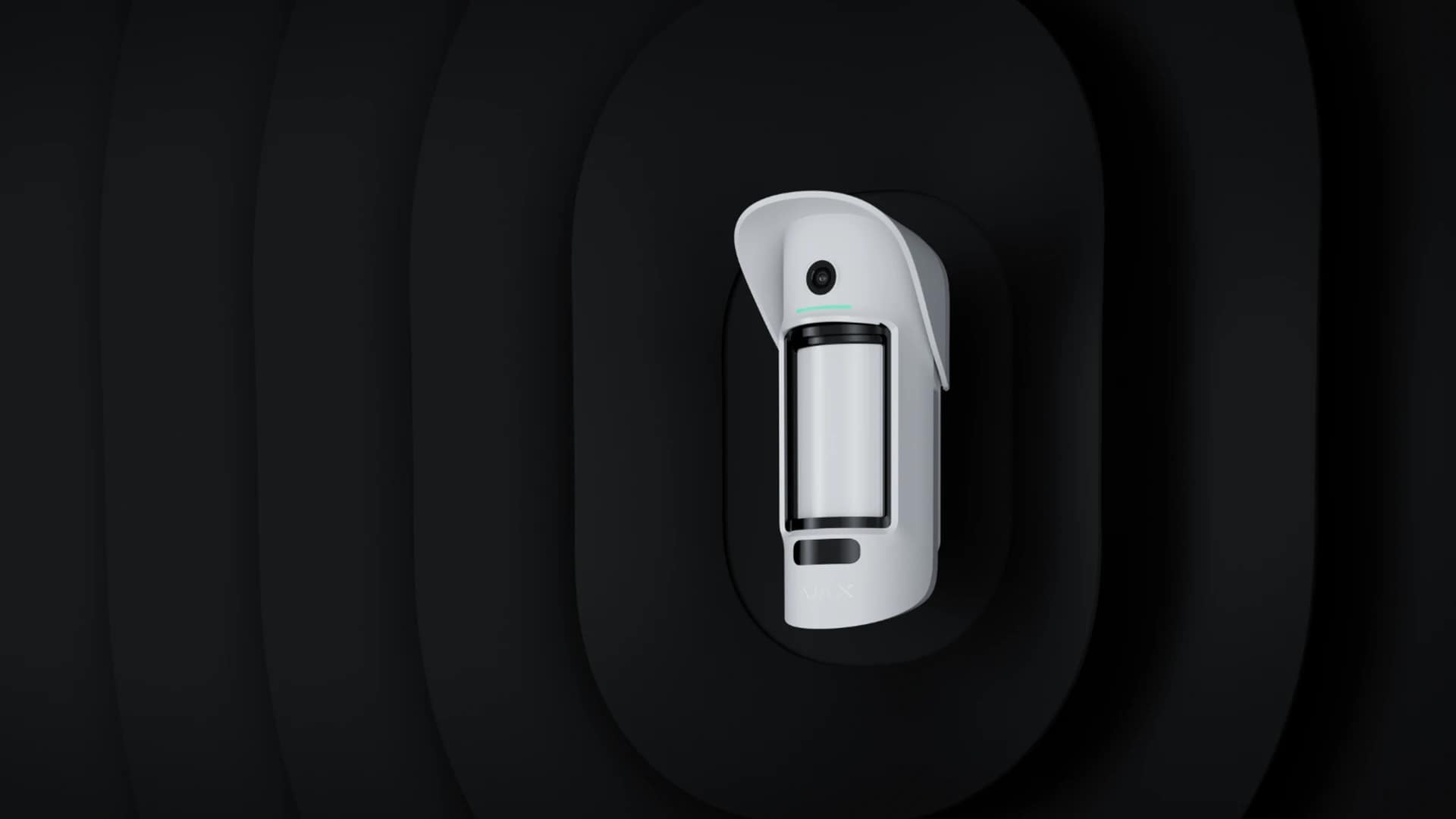
MotionCam Outdoor (verification)
Outdoor detection with visual verification — confirm what triggered the event, fast.
Use case: high-risk areas where confirmation matters.
Which one should you choose?
- Yard / open area: MotionProtect Outdoor
- Narrow passages along walls: DualCurtain / Curtain
- Need confirmation: MotionCam Outdoor (verification)
Perimeter sensors (doors & windows)
Perimeter sensors enable proper night arming. We start with external doors, then add selected windows based on risk — not “every window by default”.
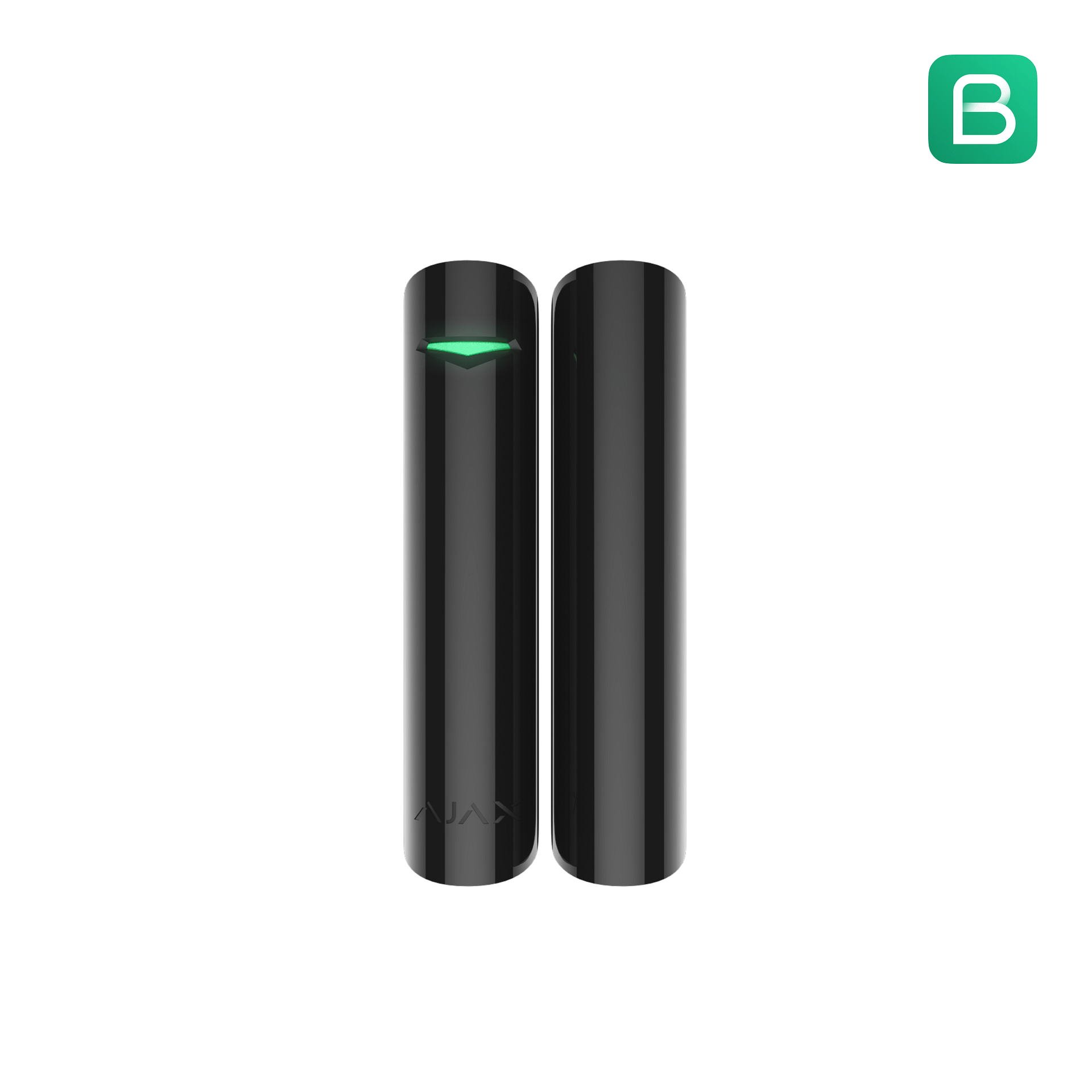
DoorProtect
Detects opening events on key external doors and selected high-risk windows.
Most clients protect doors first — then expand strategically.
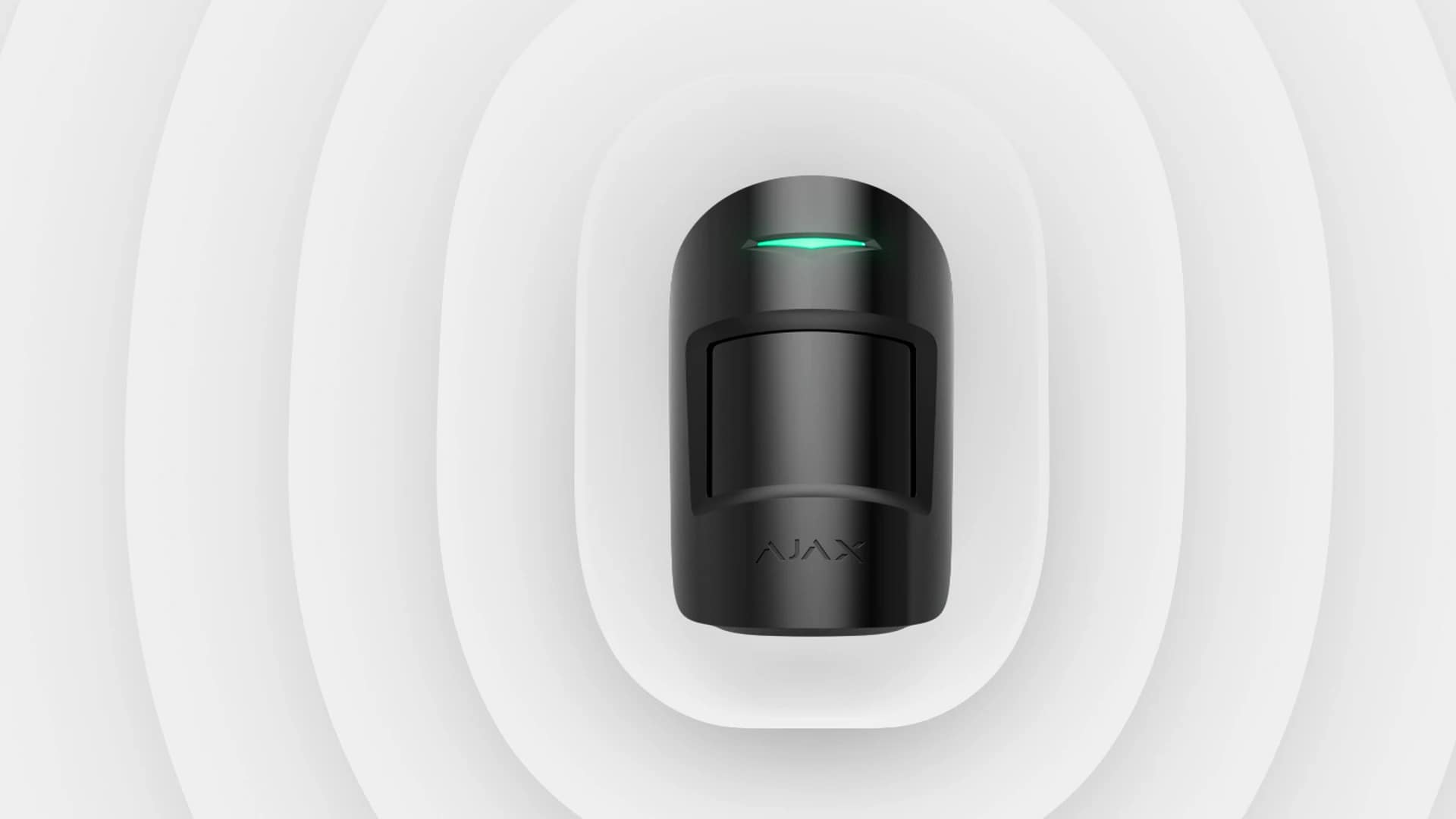
MotionProtect (indoor)
Reliable indoor motion detection for high-probability routes and critical internal zones.
Use case: passages, lounge areas, stairs, offices.
What we typically protect first
- Main external doors
- Kitchen/back door access routes
- Garage-to-house door (often forgotten)
- Selected windows based on risk, not quantity
Indoor verification (confidence + clarity)
Some clients want extra confidence when something triggers. Verification sensors help confirm what happened without guesswork, especially in key internal routes.
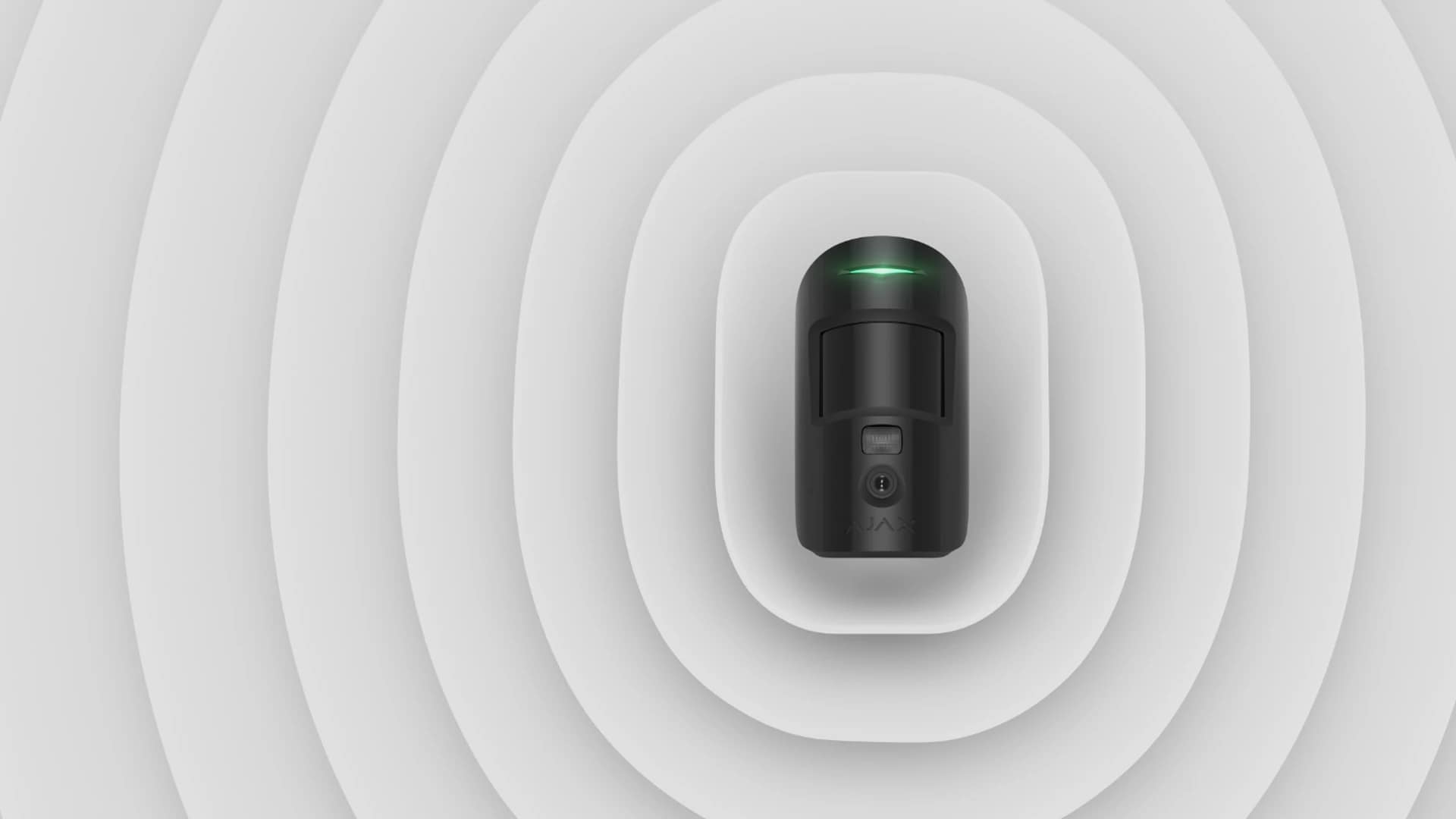
MotionCam (PhOD)
Motion detection with verification imagery — helps confirm true triggers and reduce uncertainty.
Ideal for passages and key internal choke points.
Where verification works best
- Passages/hallways (high-probability route)
- Staircases
- Main living areas
- Office / equipment rooms (business)
We’ll advise on the right placement so it adds value, not just cost.
Sirens (deterrence)
Sirens are simple and effective: they create immediate deterrence and draw attention when a trigger occurs. We configure siren behaviour to match your environment and preferences.
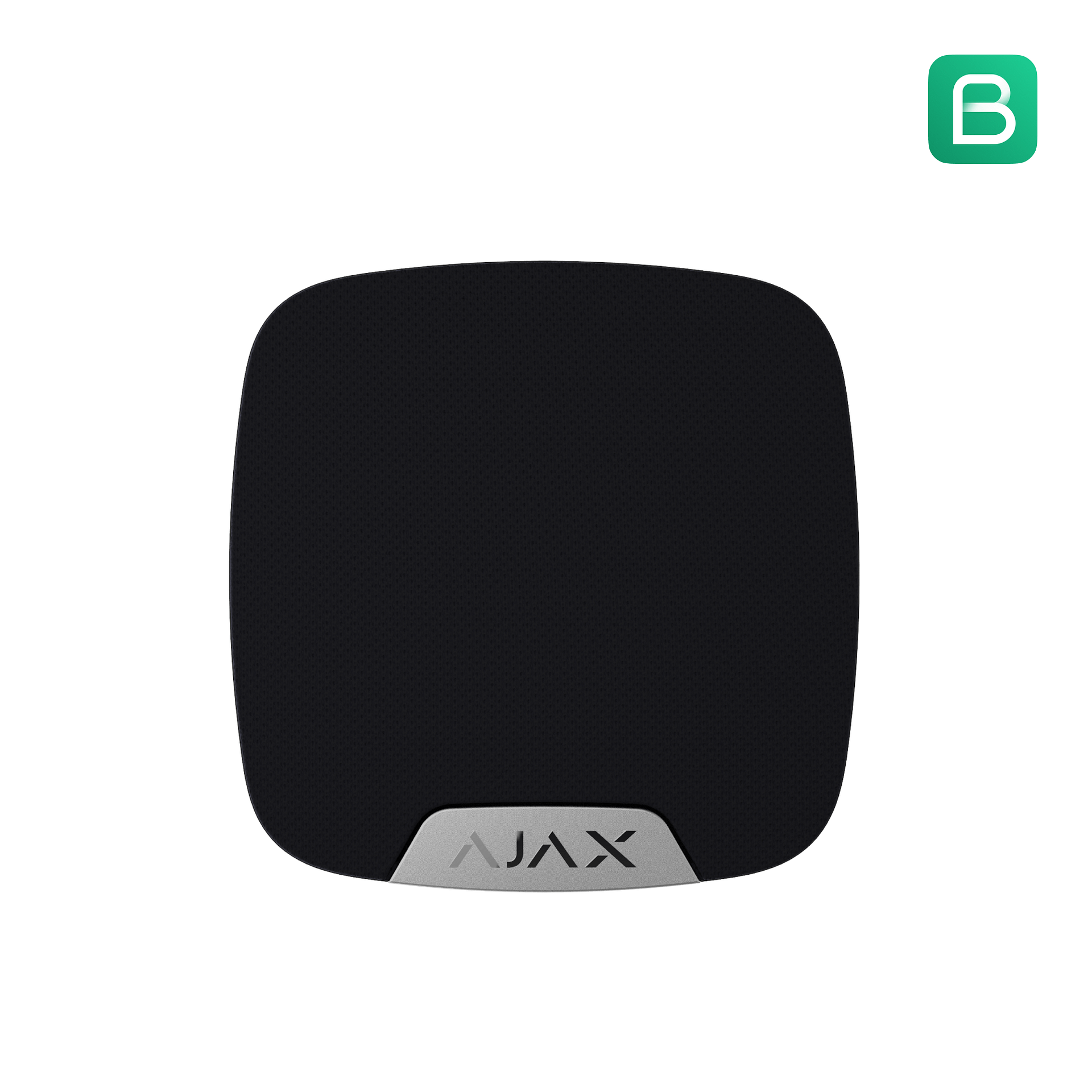
HomeSiren (indoor)
Indoor deterrence — useful for immediate response inside the property.
Good for homes, offices and indoor zones.
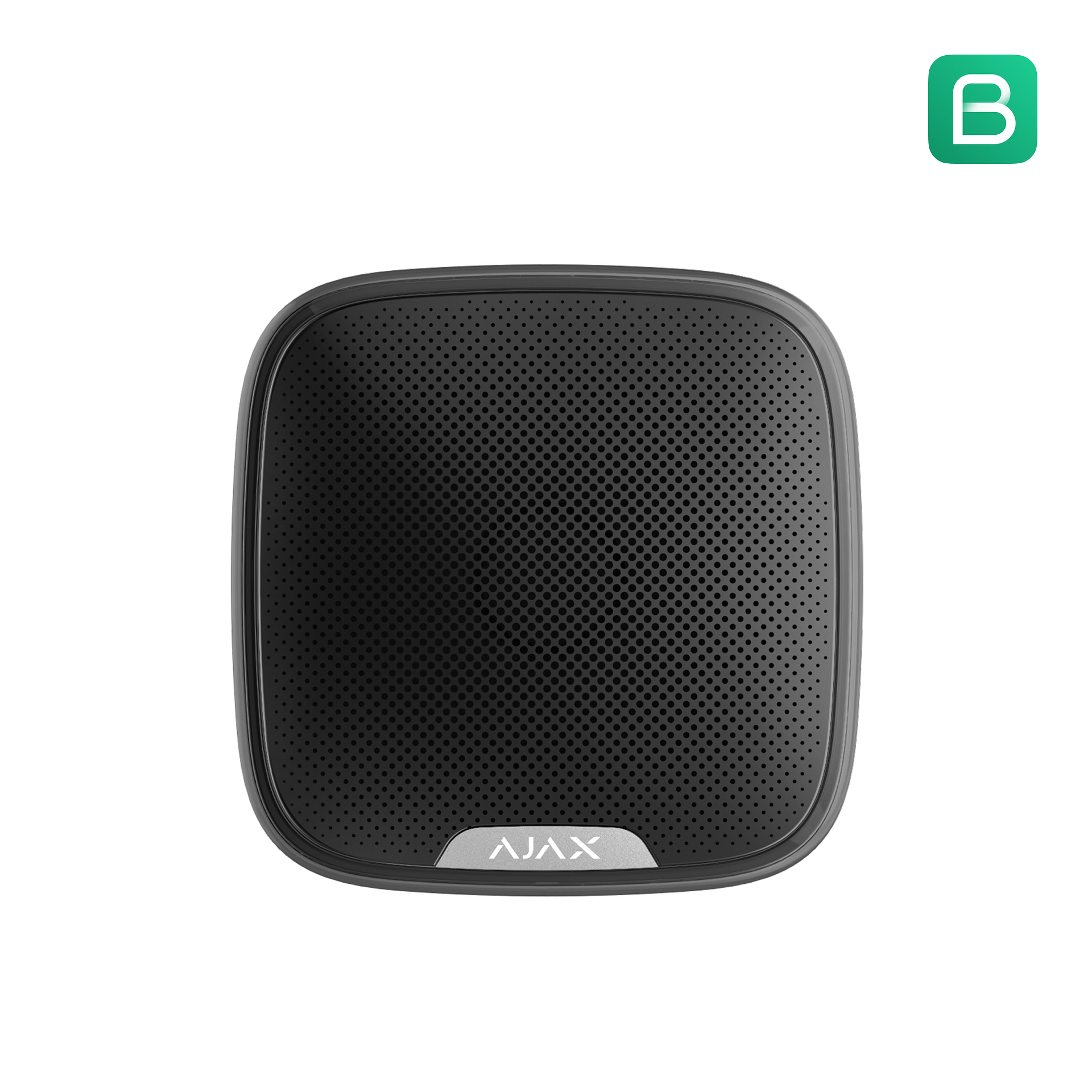
StreetSiren (outdoor)
Outdoor deterrence and visibility — strong psychological impact when a trigger occurs.
Good for free-standing homes and visible external deterrence.
Control & automation (the “candy” people actually want)
These devices make Ajax feel premium: easier daily control, and automation that can trigger gates, garage doors, lights, and scenarios — without turning your system into an unsupported science project.
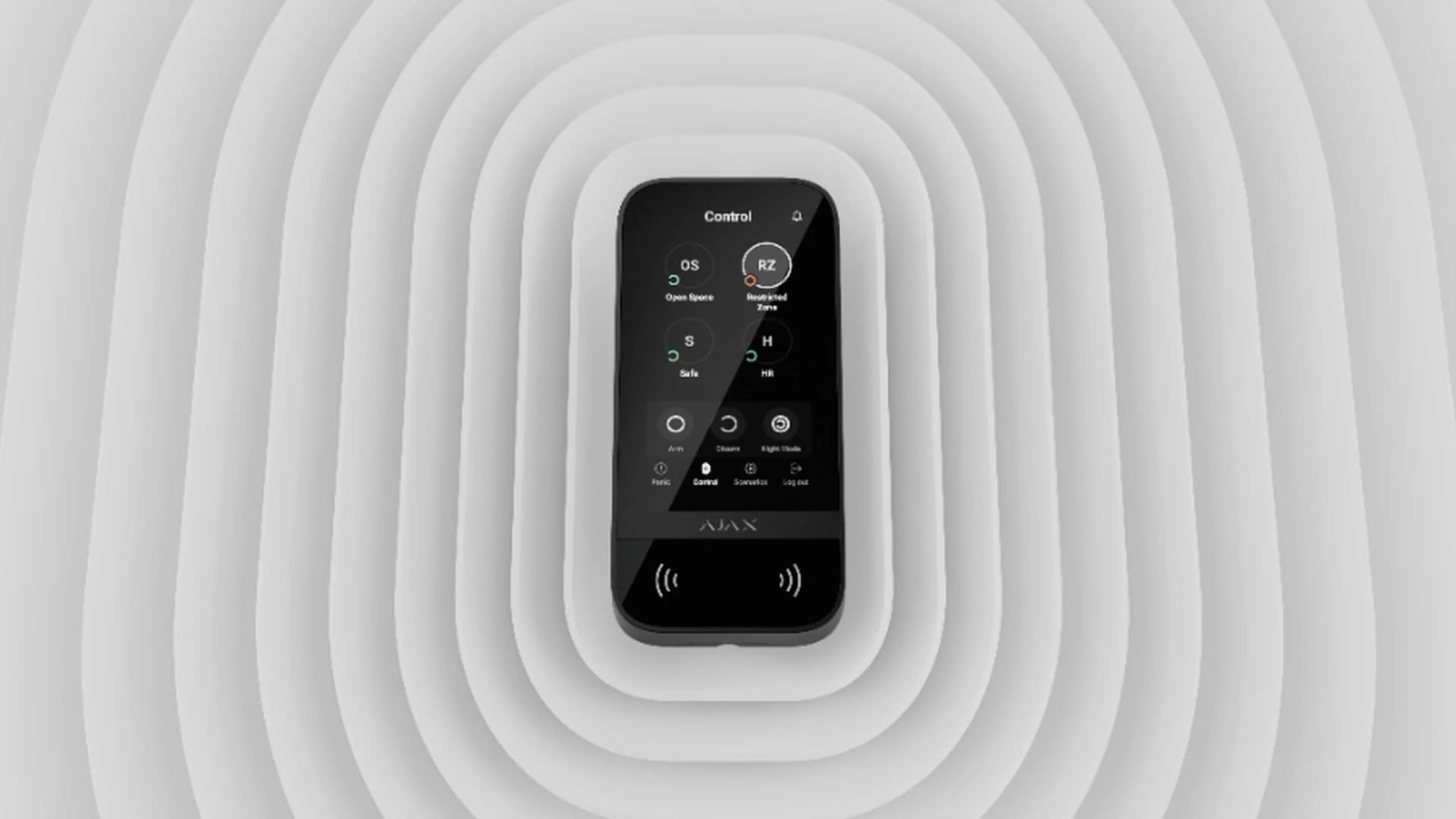
KeyPad TouchScreen
Clean daily control without relying on a single person’s phone.
Best for families, guests, staff, and offices.
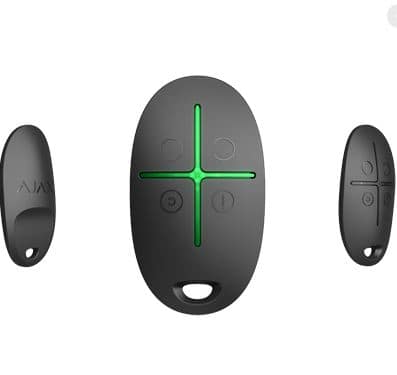
Keyfob remote control
Quick arming/disarming and panic control — simple, fast, reliable.
Ideal for keychain convenience and shared households.

Relay (gates, garage doors, lights)
Integrate controlled outputs for gates/garage motors or lights. Use manual control, schedules, or automatic triggers when the alarm activates.
Use case: spotlight control, gate trigger, garage trigger, scenario automations.
Examples clients love
- Turn on spotlights when the alarm triggers
- Schedule certain lights on/off when you’re away
- Gate/garage trigger from keypad/app (where suitable)
- Night mode routines that match how you actually live
Property protection (optional, but smart)
Ajax also supports property-protection add-ons that reduce damage and risk — quoted separately, only where it makes sense.
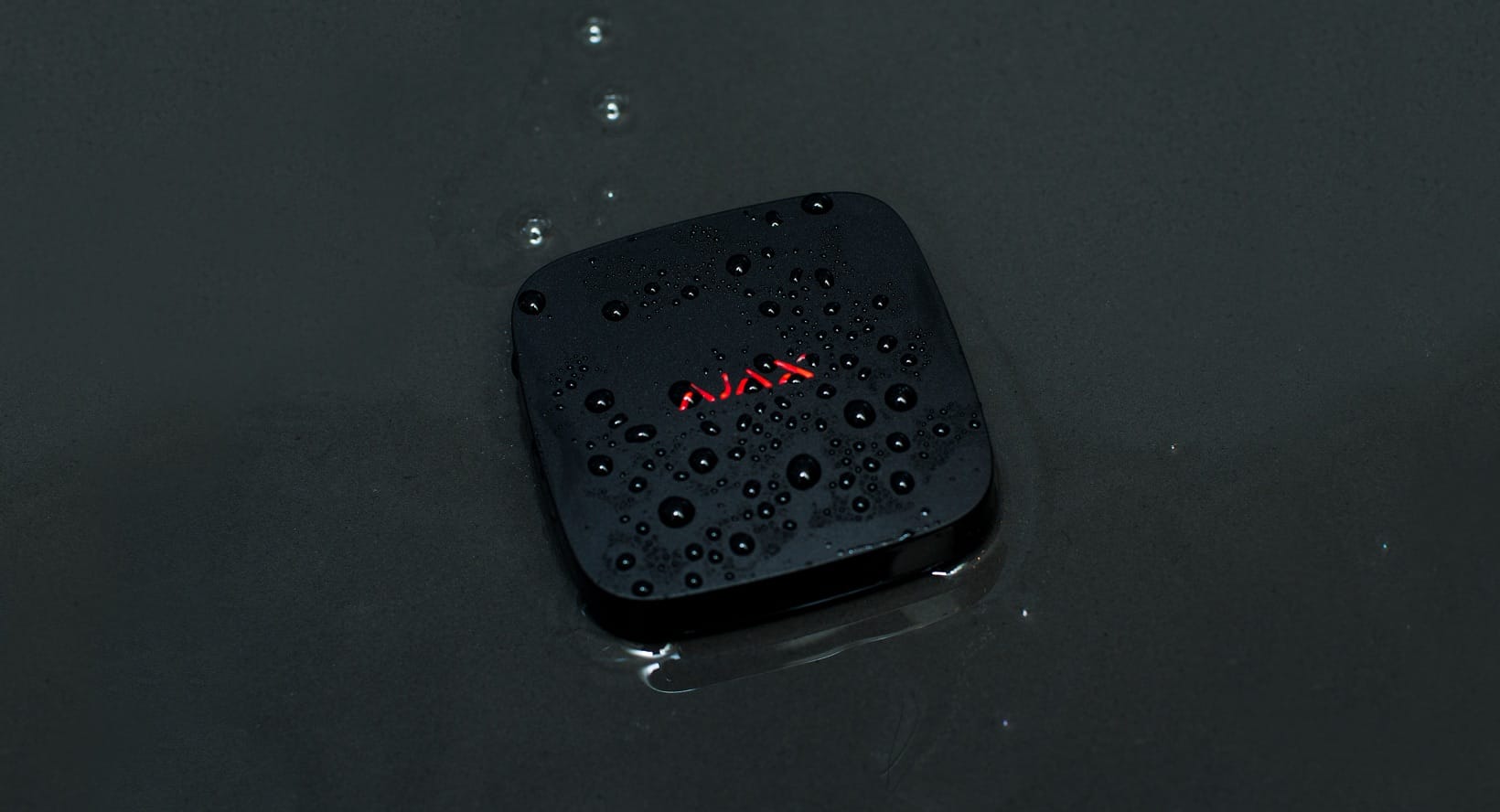
LeaksProtect
Detects water leaks early — useful for homes, offices, and sites with equipment rooms.
Use case: kitchens, sculleries, geyser areas, server/equipment rooms.
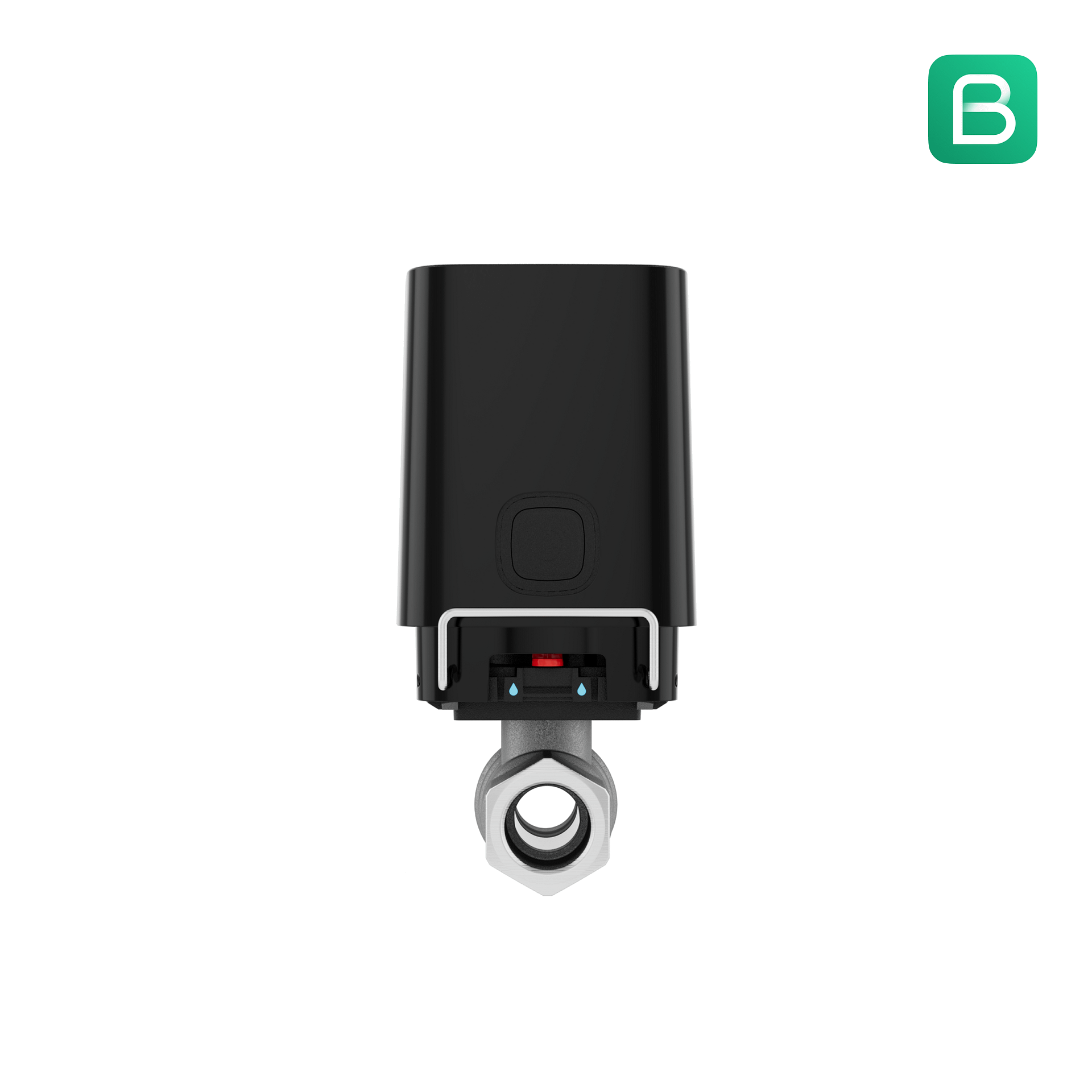
WaterStop
Optional water shutoff control for higher-end property protection scenarios.
We recommend only where it’s genuinely worth it.
Structured integration (only when needed)
If you’re migrating from legacy equipment, Ajax can be introduced in stages without ripping everything out in one day. We keep integrations disciplined so the system stays reliable.
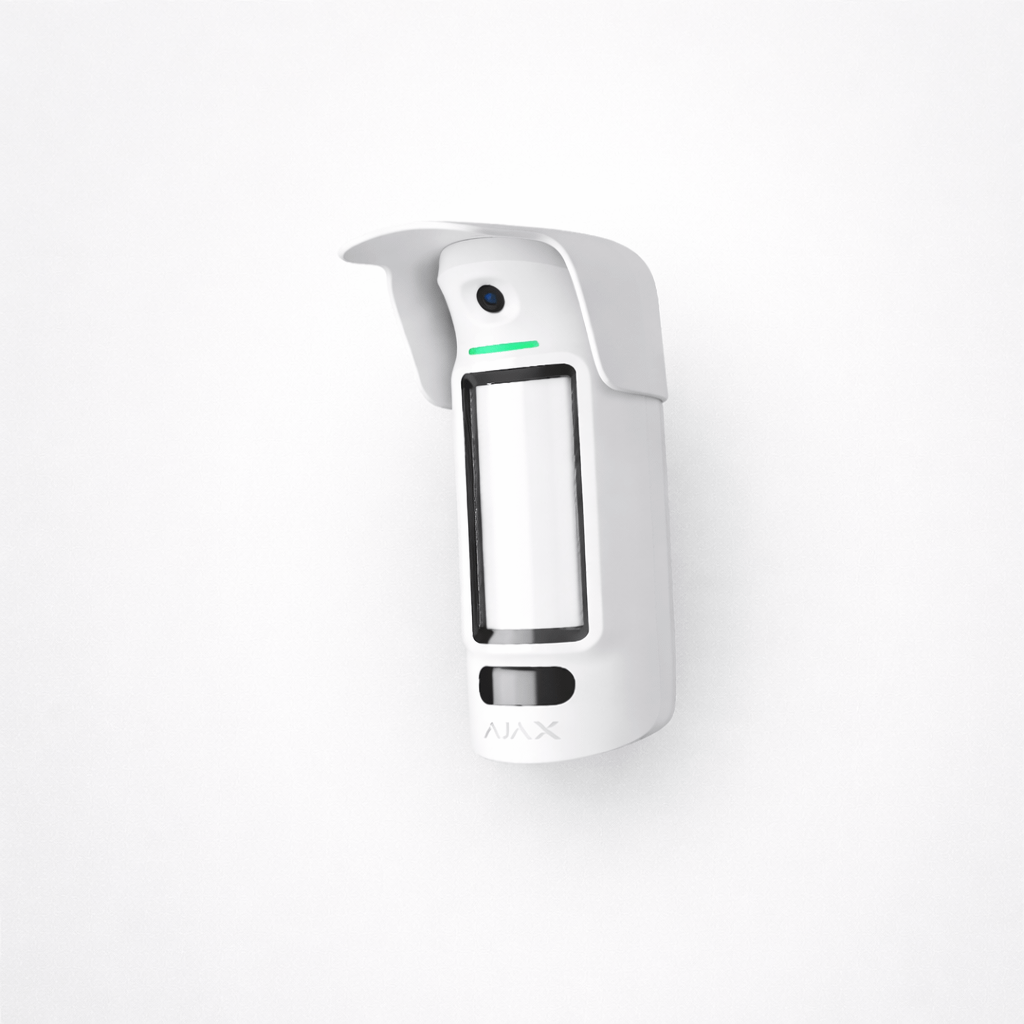
Integration module (legacy bridging)
Used for structured migration where specific legacy signals must be brought in cleanly.
We use this to avoid “Franken systems”, not create them.
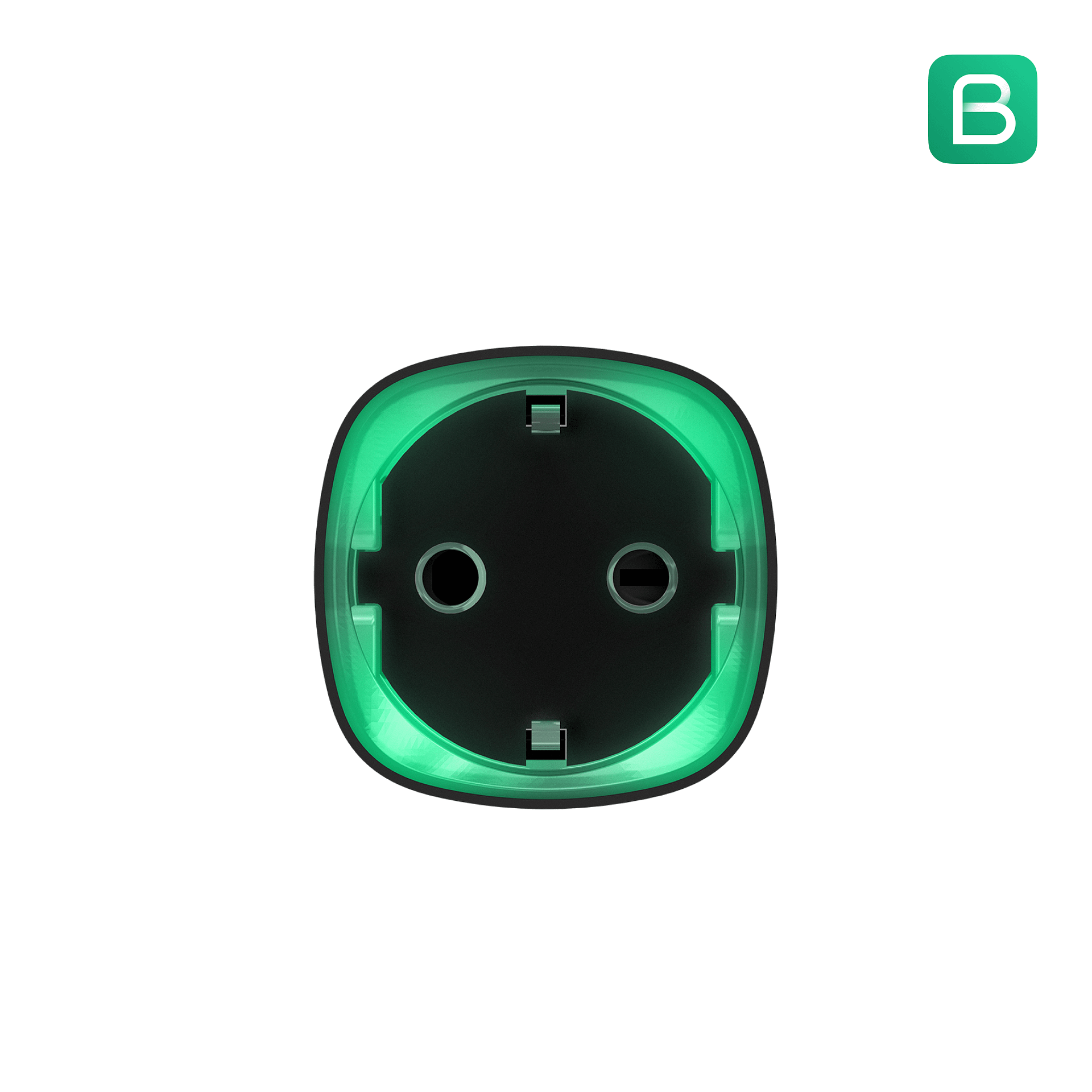
Socket (smart power control)
Optional smart power control for specific scenarios where it improves outcomes.
Not a gimmick — only used where it adds measurable value.
Want the right sensor mix the first time?
Send your suburb, property type, and number of external doors — we’ll recommend a package and upgrades.